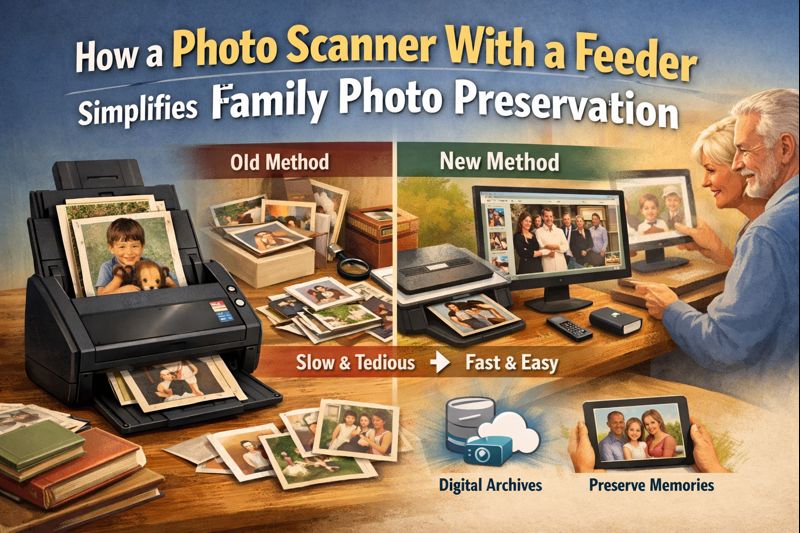
How a Photo Scanner With a Feeder Simplifies Family Photo Preservation
Family photos capture milestones, everyday moments, and stories that deserve to be preserved for generations. Unfortunately, printed photographs fade, bend, and deteriorate over time, especially when stored in albums, boxes, or drawers that weren’t designed for long-term protection. Digitizing these memories is one of the most effective ways to safeguard them, and modern scanning technology has made the process faster and more accessible than ever. In particular, using a photo scanner with feeder can dramatically simplify large-scale photo preservation projects, allowing families to convert decades of memories into high-quality digital files with minimal effort.
Unlike flatbed scanners that require placing each photo individually, scanners with feeders are designed for efficiency. They streamline the digitization process, making it realistic to scan hundreds or even thousands of photos without turning the task into a multi-week project. This ease of use is especially valuable for families who want to preserve their photo collections while maintaining image clarity and consistency.
Table of Content
Best Practices for Digitizing Old Prints and Memories
Before starting the scanning process, a little preparation goes a long way. Begin by sorting photos by size, condition, or era. Removing dust, debris, or loose particles helps ensure clean scans and reduces the need for extensive digital cleanup afterward. When working with delicate or aging prints, handling them carefully prevents further damage during the digitization process.
Choosing the right equipment is also essential. A dedicated photo scanner with feeder allows multiple photos to be scanned in sequence, saving time and reducing repetitive manual handling. This approach is ideal for families with extensive collections who want consistent results without sacrificing image quality. Resolution settings should be chosen carefully—high enough to capture detail, but not so high that files become unnecessarily large and difficult to store.
Some families may also have oversized photos, panoramic prints, or memorabilia that don’t fit standard photo dimensions. In these cases, incorporating a large format scanner into the workflow ensures that all items, regardless of size, can be digitized accurately. This flexibility allows families to preserve everything from standard snapshots to oversized wedding portraits or framed artwork.
Another best practice is scanning photos in batches and reviewing them periodically. This makes it easier to spot issues early, such as incorrect orientation or exposure settings, and adjust before scanning the entire collection. Maintaining a steady pace rather than rushing also helps protect fragile originals from accidental damage.
Tips for Organizing and Storing Your Scanned Photo Library
Once photos are digitized, organization becomes just as important as the scanning process itself. Without a clear system, digital photo libraries can quickly become as cluttered as the physical boxes they replaced. Creating a logical folder structure—organized by year, event, or family member—makes it easier to locate specific memories in the future.
Consistent file naming conventions are another key factor. Including dates, locations, or event names in file names helps keep the archive searchable and intuitive. This is especially useful when sharing photos with relatives or creating digital albums for special occasions.
Storage strategy also plays a major role in long-term preservation. Backing up scanned photos in multiple locations, such as external drives and secure cloud storage, protects against data loss. Using reliable hardware during the scanning process, such as a compact scanner, ensures that the digitization setup fits comfortably into a home workspace without sacrificing performance or reliability.
Finally, consider revisiting your digital archive periodically. Technology evolves, and refreshing backups or migrating files to newer storage solutions helps ensure your family memories remain accessible for years to come. Digitizing photos isn’t just about converting paper into pixels—it’s about creating a lasting, organized legacy that can be shared and enjoyed across generations.
By combining efficient scanning tools with thoughtful organization, families can transform aging photo collections into a secure, searchable digital library. With the right approach and equipment, preserving your family’s visual history becomes a manageable and rewarding project rather than an overwhelming task.